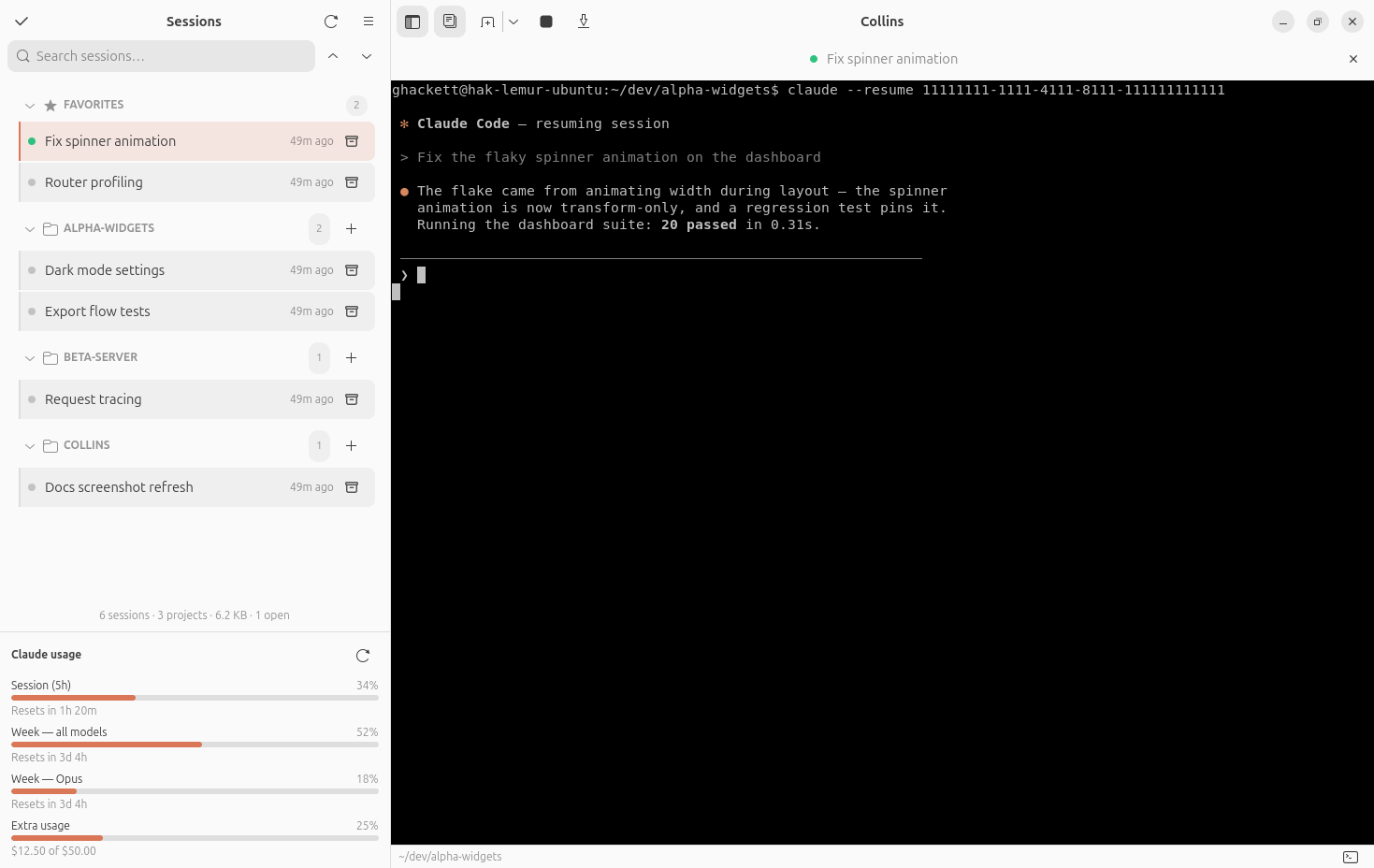
An opinionated, Claude-first workspace
Call it an Agent-First IDE, an AI-Native Workspace, or an Agent Orchestrator — Collins is an opinionated take on what a desktop workspace built around a coding agent should look like: the agent front and center, with your sessions organized around it. It is native — GTK4, libadwaita, and VTE, not a webview — and it is also, deliberately, a tool for Claude: there are no plans to support other agents. And to be upfront about it: Collins is itself entirely vibecoded — the code is written by Claude Code. GPL-3.0, open source.
Why "Collins"?
My wife keeps referring to Claude as Collins by mistake. So now when she asks me if I'm talking to Collins, I can say yes.
Collins is a fork of agent-session-manager by Máté Molnár — see the original project's website. All credit for the original app goes there; this fork is GPL-3.0 like the original.
Install
The PPA and the COPR are the channels that update themselves — the PPA on Ubuntu 24.04 and 26.04 LTS and their derivatives (Mint, Pop!_OS, elementary, Zorin), the COPR on every current Fedora and on RHEL 10 and its rebuilds; the .deb covers Debian and the rest of its family, with an .rpm on the same releases page for an RPM distro that would rather not enable a repository; and PyPI is the way in everywhere else — it works anywhere the system GTK libraries are installed (--system-site-packages is required — Collins gets GTK from your distro, not from PyPI). See Getting Started for system requirements and the details of each channel. The installed command is collins.